



Blog
Inside a Patient Simulator: How Healthcare Simulation Manikins Work
Most educators who work with simulation manikins every day have a solid understanding of what they can do. Fewer have a clear picture of how these manikins actually do it. For example, what’s happening inside the device when a chest rises, a pulse changes, or a cardiac rhythm responds to a medication.
That’s not a gap in clinical knowledge; it’s simply not something most training programs cover.
It matters, though. Understanding how healthcare simulation manikins work can help educators run better scenarios, troubleshoot more confidently, and make more informed decisions when evaluating or upgrading simulation equipment.
The Basic Architecture: Hardware, Software, and Physiology Models
A modern patient simulator is three things working together: a physical body, a software platform, and an underlying physiological model.
The physical body is what learners interact with. It’s the anatomy they can see, touch, and work on. It includes the airway they’ll manage, the chest wall they’ll compress, the veins they’ll access, and the breath sounds they’ll auscultate.
The exterior is designed to replicate human anatomy closely enough that the procedural and assessment skills learners practice can transfer to real patients.
The software platform is what instructors use to control the scenario. From a separate workstation—often located in an adjacent control room—a facilitator can select a pre-built scenario, adjust patient parameters in real time, trigger clinical events, and monitor the team’s response.
Most modern simulation platforms are designed to be intuitive enough that instructors don’t need engineering backgrounds to operate them, though some depth of training and practice are still needed to use them effectively.
The physiological model is the engine underneath. This mathematical model governs how the simulator behaves, how it responds to interventions, how conditions progress, and how body systems interact.
When a learner administers epinephrine during a cardiac arrest scenario, it’s the physiological model that determines what happens next: how the rhythm responds, how perfusion pressure changes, and how long those effects last.
The sophistication of this model is one of the primary differentiators between mid-fidelity and high-fidelity simulation systems.
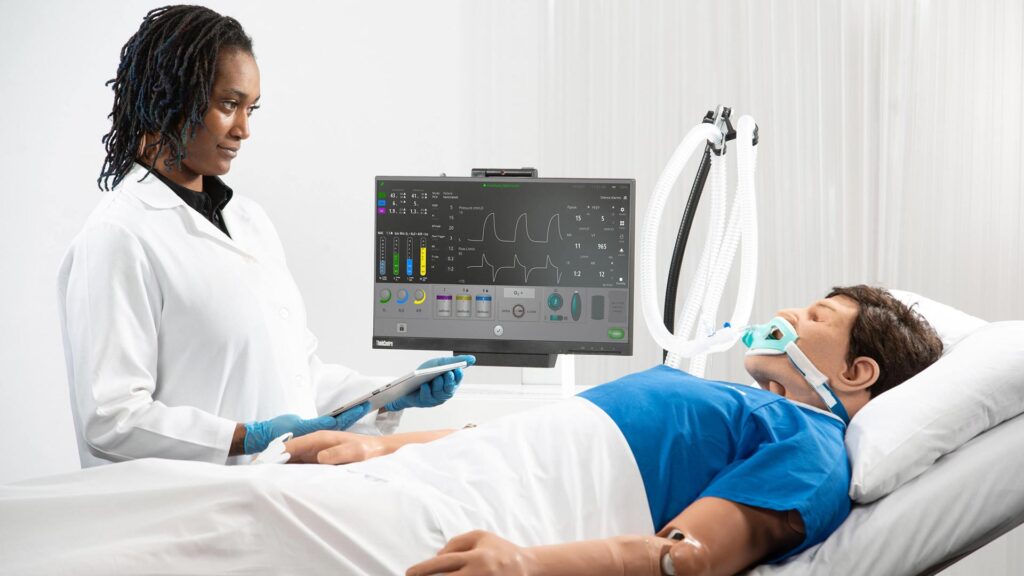
How the Body Works: Key Physical Systems
The physical systems inside a high-fidelity manikin are what make the learner experience feel clinical rather than theatrical.
Each system is engineered to replicate the cues clinicians use when assessing a real patient—the sounds they hear, the pulses they palpate, and the visual signs they’re trained to recognize.
Airway and Respiratory Mechanics
Most high-fidelity simulators have a functional airway that closely mirrors real anatomy, including nasal passages, the oropharynx, vocal cords, and the tracheal and esophageal bifurcation.
This matters because learners need to navigate the same landmarks they’ll encounter in clinical practice.
The respiratory system drives chest rise and fall through an internal pneumatic mechanism, typically a bellows or pump system, creating visible and palpable breathing.
Breathing rate, depth, and pattern are programmable, allowing instructors to simulate normal breathing, respiratory distress, agonal respirations, or apnea.
Lung compliance can often be adjusted to simulate conditions such as pulmonary edema or tension pneumothorax, creating realistic differences in bag-valve-mask ventilation and airway management.
Bilateral and unilateral breath sounds are delivered through internal speakers positioned near the lung fields and can be altered during a scenario to reflect changing patient conditions.
For example, learners may hear unilateral breath sounds following a right mainstem intubation or absent breath sounds on one side following a pneumothorax.
Cardiovascular and Circulatory Simulation
The cardiovascular system in a high-fidelity manikin is driven by the physiological model, which continuously calculates cardiac output, systemic vascular resistance, and perfusion based on the scenario and learner interventions.
Palpable pulses at the carotid, radial, brachial, femoral, and pedal sites are generated by pneumatic or motorized mechanisms that replicate pulse waveforms.
Pulse quality, rate, and strength can be adjusted manually by the instructor or change automatically based on the physiological state.
A patient experiencing hemorrhagic shock may present a weak, rapid radial pulse. A patient in complete heart block may exhibit a slow, irregular pulse.
These cues help train learners to assess and respond, not just observe.
Cardiac rhythms are displayed on an external monitor connected to the simulator and driven by the same physiological model.
Instructors can pre-program rhythm progressions or trigger them manually, moving from sinus tachycardia to ventricular tachycardia to ventricular fibrillation as a scenario escalates.
Pharmacological Response
One of the most impressive capabilities of advanced patient simulators is their ability to respond to medications.
When a learner administers a drug, either through software input or a simulated IV line, the physiological model calculates the expected effect based on dose, route, and the patient’s current condition.
The simulator then generates an appropriate physiological response.
Atropine increases heart rate. Adenosine slows it. Succinylcholine produces the fasciculations and flaccid paralysis that precede intubation.
These responses help learners understand not only the mechanics of medication administration, but also the clinical cause-and-effect relationships that drive pharmacological decision-making.
Eyes, Voice, and Other Physical Cues
Beyond major body systems, high-fidelity simulators incorporate numerous physical cues that enhance realism.
Pupils can dilate and constrict in response to medications or changing physiological conditions. Cyanosis or pallor may appear in the lips and nail beds as oxygenation decreases.
Many simulators can also speak through pre-recorded audio clips or a live microphone that allows facilitators to voice the patient in real time.
These details matter more than they may seem.
They’re often the cues that encourage learners, especially experienced clinicians, to fully engage with the scenario and treat the environment as a realistic clinical encounter.
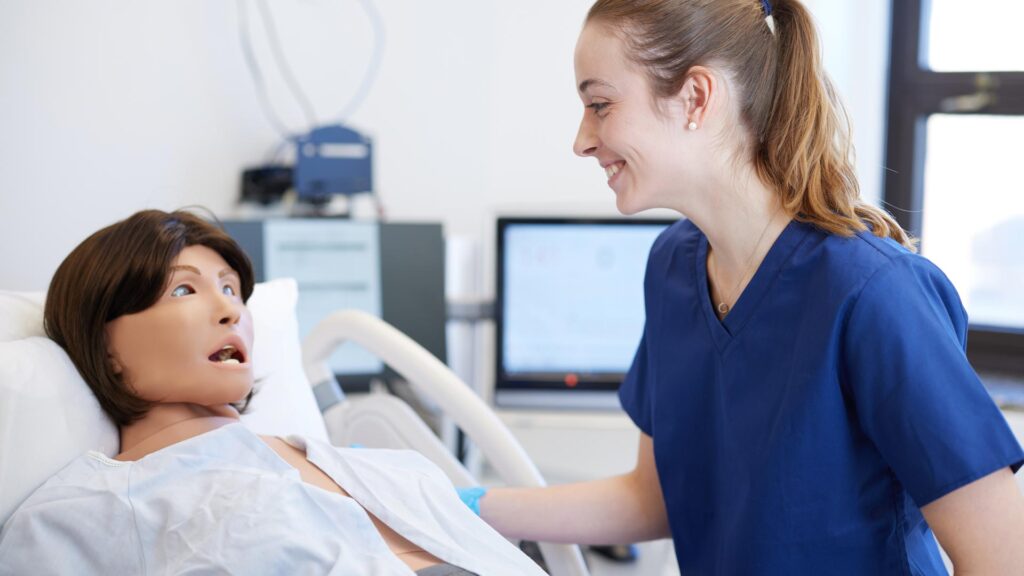
How Instructors Control the Scenario
The instructor workstation is where scenario management happens.
In most modern systems, facilitators can work from pre-built scenario libraries or design their own, establishing patient characteristics such as age, weight, diagnosis, and baseline vital signs before defining how the scenario progresses over time or in response to learner actions.
Many systems support both automatic and manual control.
In automatic mode, the scenario follows a predetermined progression in which conditions change according to a timeline regardless of learner actions. This helps ensure consistency across training sessions.
In manual mode, facilitators adjust the patient’s condition in real time based on team performance and decision-making.
While more challenging to operate, manual control often creates richer and more responsive learning experiences.
The most advanced simulation platforms also capture data throughout the scenario by logging clinical events, interventions, and timing information.
This gives facilitators a factual foundation for debriefing rather than relying solely on memory or observation.
Seeing It in Action with Elevate Healthcare
Elevate Healthcare builds patient simulators designed to give educators precise control over patient conditions while maintaining a clinically authentic learner experience.
LearningSpace, Elevate Healthcare’s simulation management and debriefing platform, connects to the simulator to capture scenario data, support structured debriefing, and provide meaningful performance insights.
This allows the activity happening inside the manikin to become the foundation for the learning conversation that follows.
Whether you’re evaluating new simulation equipment, expanding a simulation center, or looking to improve debriefing and learner assessment, understanding how these systems work can help you make more informed decisions.
If you’d like to see these technologies in action, Elevate Healthcare’s team can provide a live demonstration tailored to your specific clinical and educational objectives. Contact Elevate Healthcare today